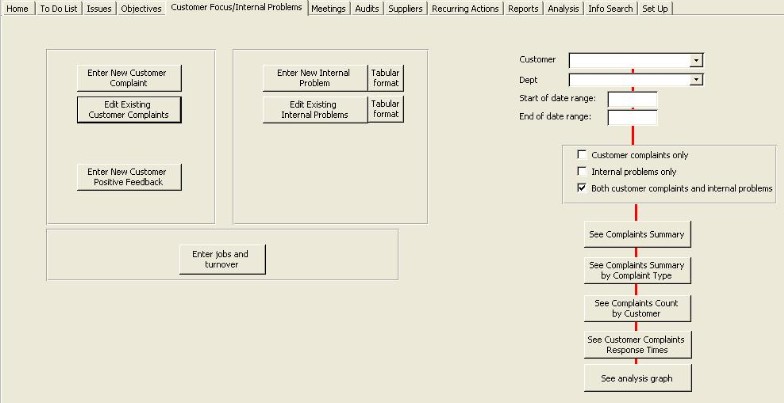
Analysis and reporting is available from the right-hand side of the customer focus tabbed page.
If you leave any factor blank, then there will be no filter for that factor. eg if Customer is blank, then all customers will be shown.
Outputs
Button |
Output |
|
Complaints summary
|
Shows complaints, positive feedback and analysis, in that order, with complaints in date order. |
| Complaints summary |
Shows complaints, positive feedback and analysis, in that order, with complaints grouped by complaint type |
| Complaint count by customer |
Shows complaints, positive feedback and analysis, in that order, with complaints grouped by customer with an analysis of complaint type, costs, etc., for each customer. |
Customer complaints response times |
|
Analysis graph |
|
Analysis output
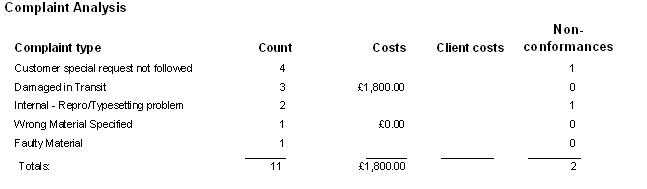
This is a typical analysis output, normally part of the reports listed above.